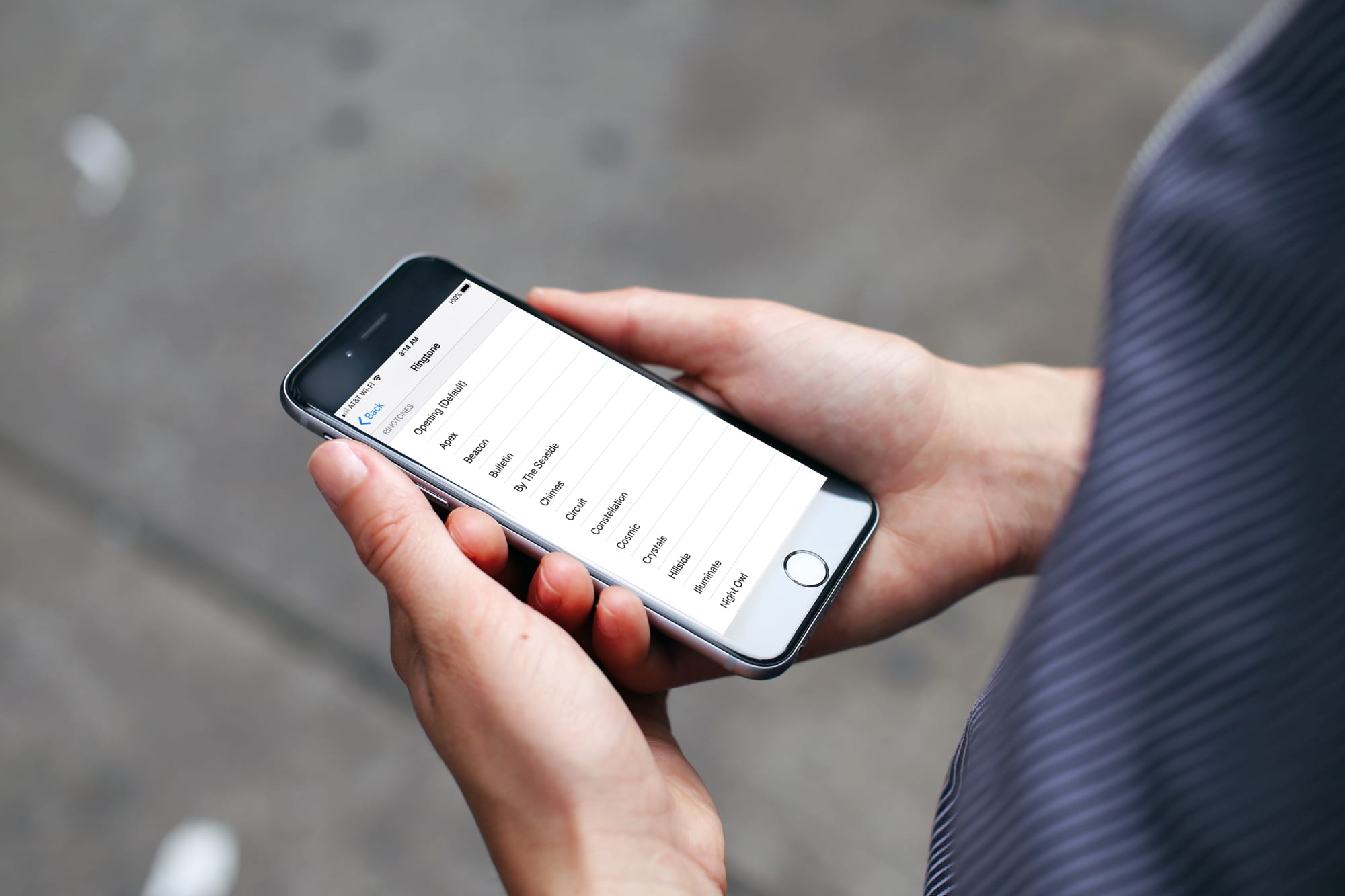
AnyRing is a jailbreak application available in Cydia that lets you use any song on your iPhone as a custom ringtone or SMS ring.

There are several ways to add ringtones to your iPhone for free. Audiko is one of my favorite but it seems it’s going to get some fierce competition from a new app called AnyRing.
With AnyRing (3.2) you can easily select any song on your iPhone (or Record you own voice) to play as a Ringtone or SMS Ring. AnyRing even lets you select the starting/ending point in the song to play when the Ringtone is played. Does not require any audio conversion of any type!
Here are some of the features:
AnyRing is available from the Cydia Store. It comes with a 10-day trial so you may want to try it out first, and if you like it, you can choose to pay the $3.99.
I think it’s worth the price. What do you think?
Have you ever wanted to create your own custom text message ringtone for your iPhone? I know I have! Today I found a great tutorial that explains exactly how to do it.
Go to this article on iClarified and check it out. I haven’t tried it myself since I’m traveling and don’t really have time to “experiment” but I am hoping that some of you will try it and share some feedback.
Let us know by leaving a comment below.
I am not a ringtone person. If you ask me, I think it is very tacky to have the music of the latest Fallout Boys (I hate them) as a ringtone. More obnoxious than that would be a ringtone yelling “HEY EVERYONE COME SEE HOW LAME I AM”. Enough for the bagging… The ringtone on my iPhone is the stock “old phone” ringtone. Not very original but it works great. Anyways, this post is about Audiko, so let’s talk about it.
From what I can tell, Audiko is a Russian site that does 2 things for you:
Before going into the details, I want to let you know that Audiko is 100% free and you don’t even have to register to use it.
Audiko as a ringtone search engine
Like any search engine, you type your query in the search box and the site will return a few results. When I saw that, I assumed that it would only have a few ringtones for Madonna, the Red Hot Chili Peppers and other uber commercial bands like that but after putting it to the test for 5 minutes, Audiko would find ringtones for every band I was looking for, evenĀ for some obscur French reggae band. I probably tried 20 different bands and it found something for me every single time. I was impressed. The only band it didn’t find was NTM, a French hip hop band of the 90’s, which by the way just got back together (and they rock rap!).
Once you find what you’re looking for, you can listen to the ringtone and you can either download it in mp3 to your desktop or even better, you can download it in m4r, which is the “official” format for iPhone ringtones. After downloading the ringtone, simply add it to your ringtone folder in iTunes, sync your iPhone, and you’re done!

For each song, they have several ringtones at different time in the song. For example, they have a ringtone for the first 30 seconds of the song, and they may have other ringtones for let’s say the chorus or the first verse.
You won’t only find ringtones of songs but pretty much anything you could think of. You can also find ringtones made of movie quote. My favorite one is the Anchorman ringtone saying “I love scotch. Scotch scotch scotch. Here goes down. Down into my belly. Mm mm mm“.
Creating your own ringtone
Making your own ringtone is as easy as it could possibly be. Upload the song you want to make a ringtone of. Then choose what part of the song you want (you are limited to 30 seconds). Click “create ringtone” and you’re done.

After creating the ringtone, it will ask you to add a title for the song, the album and the artist. After that, you will be able to download your ringtone and sync it to your iPhone.
I created my own ringtone from Linval Thompson’s Six Babylon. You can download my ringtone from here. I will not use this ringtone on my phone but anyone looking for Linval Thompson on Audiko will be able to download it, which is why Audiko has such a great variety of ringtones. The secret is that their ringtones are user-created.
Audiko is an excellent site and as I said above, it’s totally free. Give it a try and post your own ringtones in the comments section.
MiVTones used to be called Videostone. Don’t ask me why they changed the name because I have no idea. Maybe a trademark issue or something? Anyways. MiVTones is a new application by iFoneTec available in Cydia that allows you to have video ringtones on your iPhone.
You may use MiVtones 2.0 with basic features for free,but you have to purchase a $20 license (ouch!) to use MiVTones 2.0 with advanced features. To enjoy video ringtones on your iPhone, you will first have to register your phone and create an account at http://www.MiVTones.com. Then you will have to install miVTones, which is available through the ModMyiFone repo. In case you don’t see it, make sure to add this source: http://app.ifonetec.com/cydia.
Once you have activated your account and installed MiVTones, you’ll finally be able to add your own videos to your iPhone. Use Winscp or CyberDuck to upload your own video ringtones to /var/mobile/Media/VideoTone/Video
Here is a video of MiVTones in action:
This is one of those little Internet gems that I wouldn’t have discovered if I didn’t walk in on a friend of mine browsing a site called myxer.com a few weeks ago. Now before I go any further in my story, those of you who are already aware of the site or don’t care to expand your custom ringtone library, I encourage you to stop reading, and check out another great article on the blog. But to those of you who are still intrigued, prepare to become emotionally, mentally, and technologically aroused.
Ok, so I sit down to check out what he’s got going on, and he is getting free ringtones of all the latest hits (and even a lot of movie and tv show audio) sent to his cell phone. Of course this is like every other free ringtone/background site, I’m thinking, so when he asks “You think this will work with your iPhone?” I blurt out “no,” so fast I almost seem to interrupt him. But I’d be lying if I said I wasn’t a little jealous of all the cool free stuff he was getting for his moto Razor.
Then later that night something magical (that’s right, I said magical) happened. In browsing the myxer.com website, I came across a link that said, click here for iPhone download. Upon further investigation, I found you can actually download any ringtone on the site, in .m4r format, so you can then SSH them into your ringtone folder, or just drag and drop in iTunes and sync up.
The entire process is extremely quick, and the library of ringtones is enormous. Having tried other custom ringtone options through Cydia apps and such, I must say this is the most streamline and easy to use.
The only thing I would suggest you look out for is iTunes won’t recognize any file (even .m4r) that is over 30 seconds long. Also be advised the backgrounds I tested didn’t look very good, and the games aren’t compatible at all. But the fact that I can now jam out to Lil Wayne’s “Man I miss my dogs,” when my old high school buddies call, is enough to make me, well, write a short article on a small time web blog. Have a good evening.
iToner enables you to quickly transfer custom ringtones for your iPhone – without modifying, hacking or having to reset your iPhone. Simply drag and drop your MP3, AAC, WAVE, or AIFF audio files on iToner’s window, click the Sync button, and you’re done.

Changes include:
This is a free upgrade to registered users. iToner costs $15, and requires Mac OS X 10.4.10 or later.